
![This app turns your Apple Watch into a Game Boy [Hands-on]](https://blog.modern-me.com/2026/02/This-app-t-780x470.jpg)
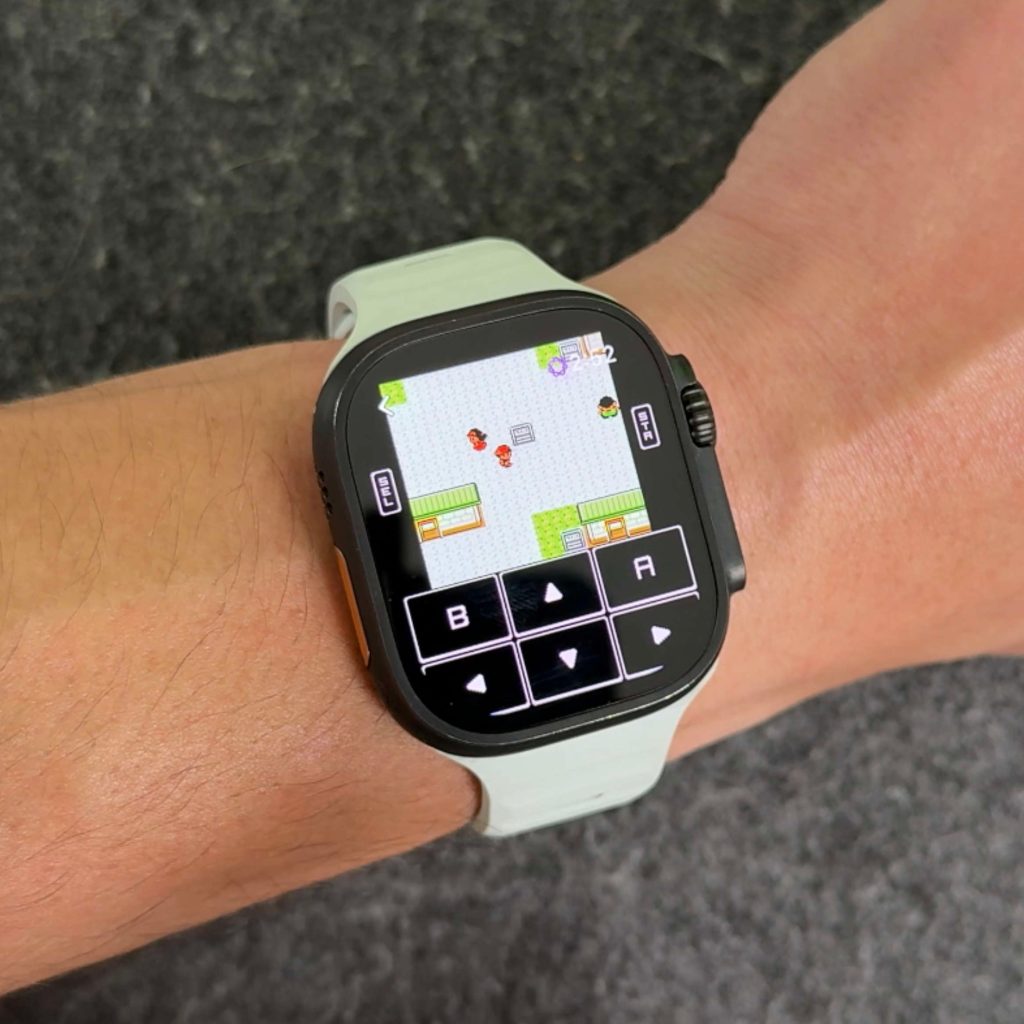
Have you ever looked down at your Apple Watch on your arm and thought, “I wish I could play my Game Boy games here”? Yeah, neither have I. But now that I know it’s happening, I can’t stop playing or showing off about it. My 6 year old would think I was crazy if I told him I could play Pokémon on my wrist in the future. But it’s 2025, and now this is possible and works very well. Here’s how to do this.
Be sure to watch our great video that walks you through how to set this all up!
Emulation on iOS
About a year ago, due to new changes in App Store policy and regulations, Apple opened the floodgates to emulation apps. This allowed iPhone users to finally be able to download emulator apps like Delta Emulator officially, directly from the App Store. Before that, you had to be jailbroken or use a sideloaded app store to get these apps (which was another mess). But with Apple now allowing emulators in the app store, that allowed developers to be creative about how and where to emulate, right down to where you can play on your wrist. This is where ArcEmu comes in!
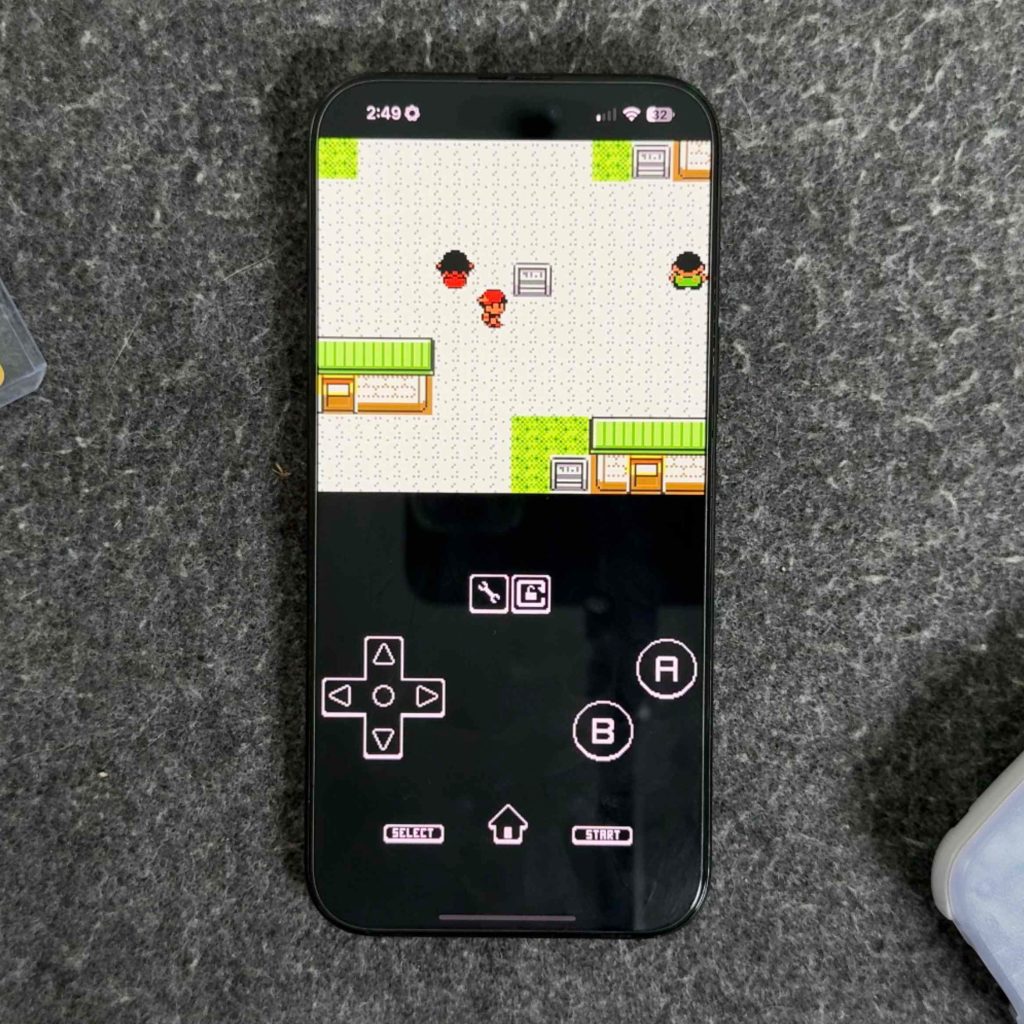
ArcEmu is a retro-styled Game Boy emulator built to run on your Apple Watch. Of course, it plays well on other devices like your iPhone and iPad, but this is just to show that you can play these games on your Apple Watch (which is surreal). Here’s how it works:
- Download the app (it’s a one-time cost of $1.99, worth it to me)
- After it’s downloaded to your iPhone, it will automatically download to your Apple Watch
- Load your ROMs into the iOS app
- The ROMs will then automatically load into the Apple Watch App
- Then up, you have the ability to play your ROMs
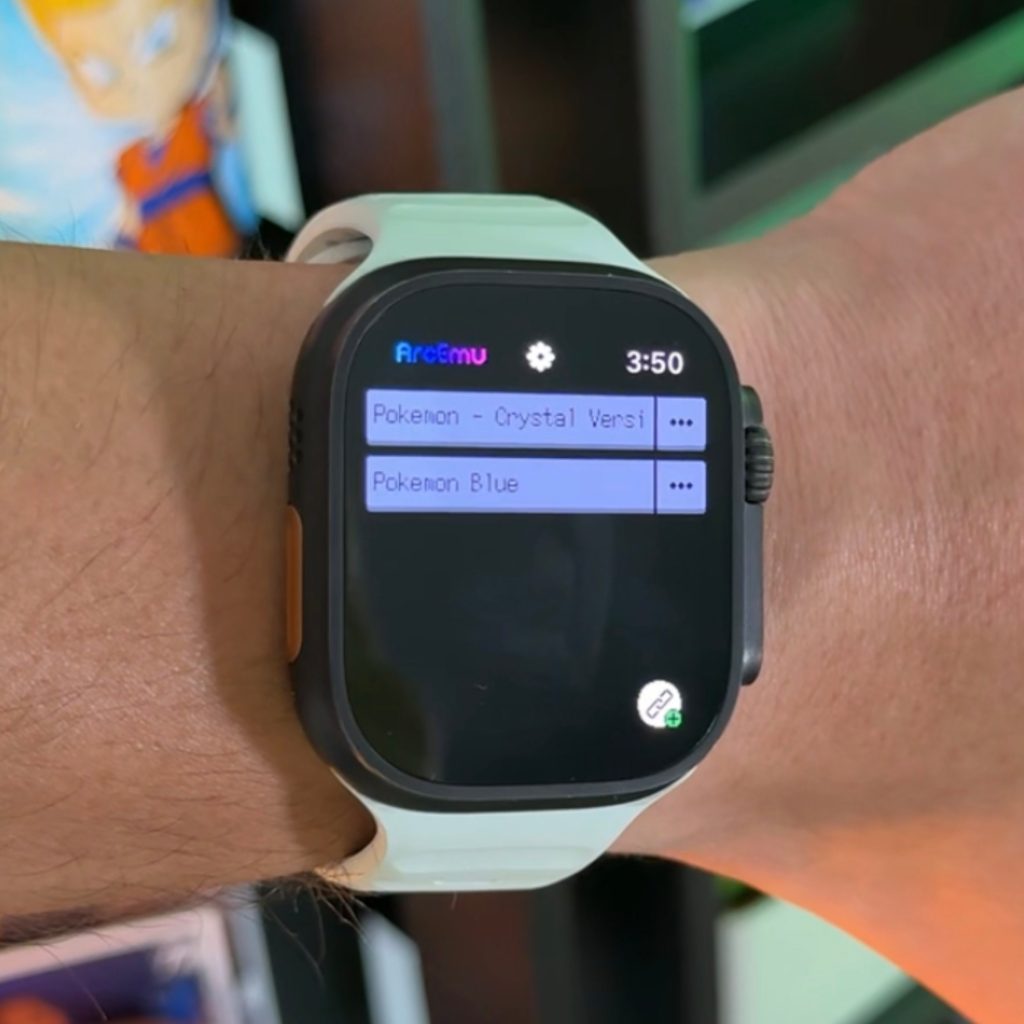
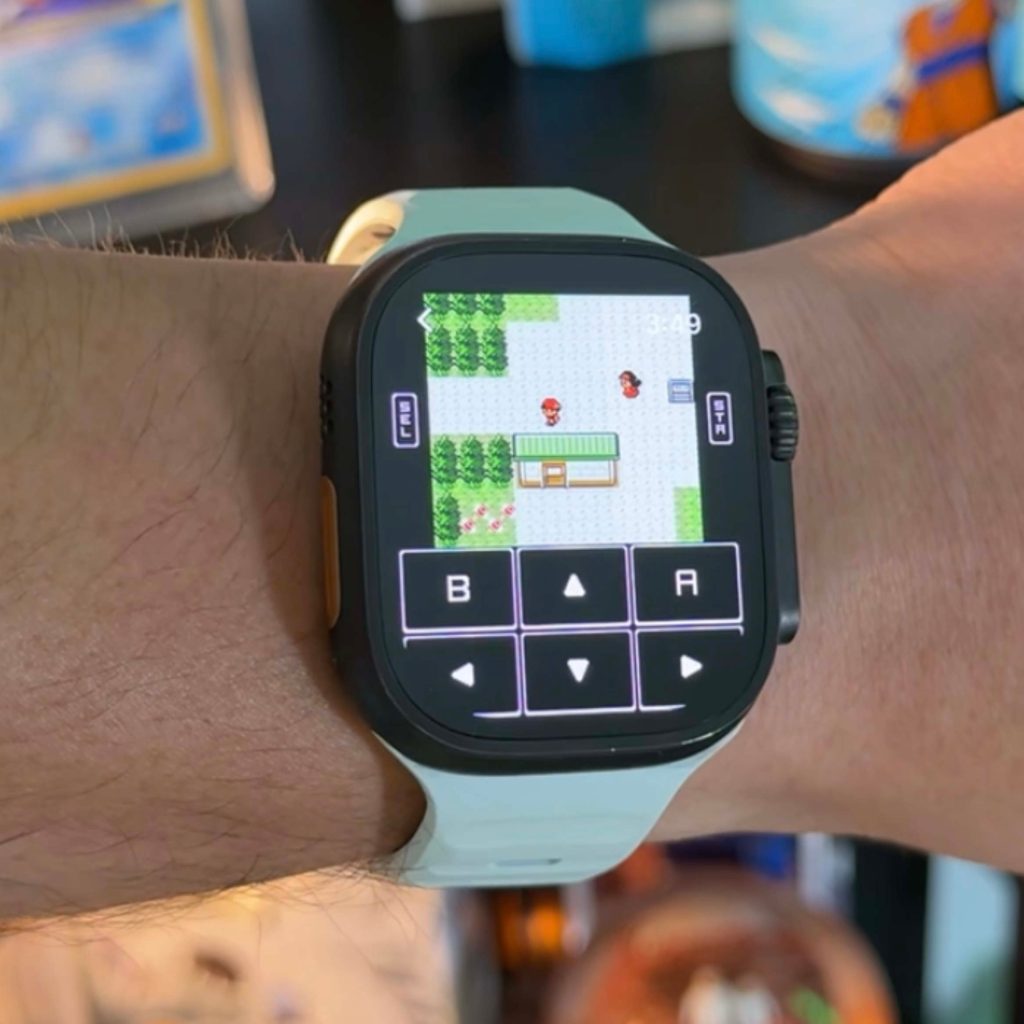
What I love about this app is how little attention has been paid to the health aspects. For example, some of my favorite features are:
- Sync save game data across all your devices – you can start playing your game on your iPhone, save it, then select it on your Apple Watch and vice versa.
- You can map the digital crown to replace the directional arrows, or press A/B
- Fast forward and slow forward options
- Wireless connection between devices for multiplayer game
- Ability to customize button layout
- Game controller support (iPad and iOS apps only)
It has everything you need to play a game from 1998 on your arm. I play Pokémon games strictly, so there are no fast actions that need to happen in those games which is perfect for this setup. If you play other games that require more precision, you probably shouldn’t be playing on your arm…
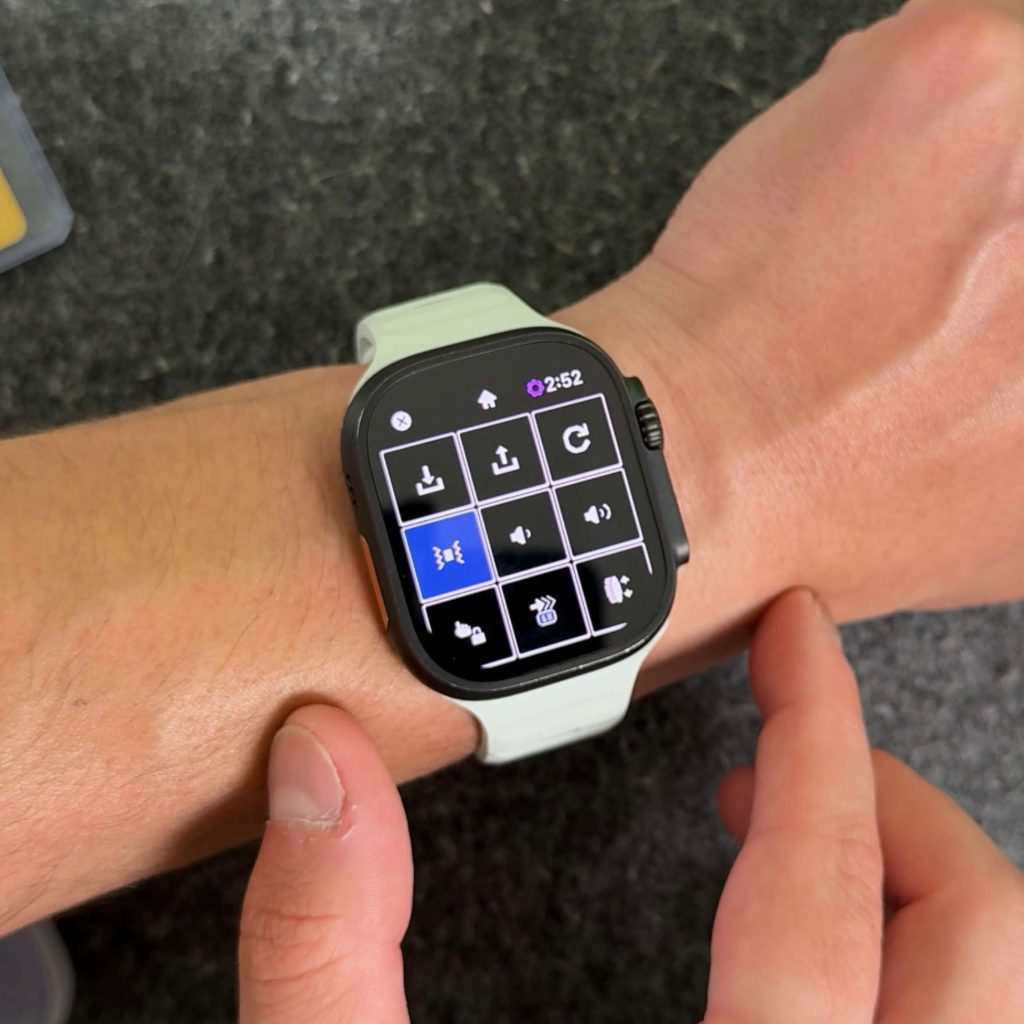
Another consideration
ArcEmu currently supports Game Boy, Game Boy Color, and Game Boy Advance ROMs. So, no NES or DS support as of now. You also need to have an Apple Watch Series 3 or newer, Apple Watch SE or newer, or Apple Watch Ultra or newer to use this. As you can see, I have this working on my Apple Watch Ultra, and it looks great.
You also need to provide your own ROMs; this will not come preloaded with any games. Finally, as I mentioned above, this is a paid app that costs $1.99. But there are no in-app purchases after that. At $1.99, this app was downloaded as soon as I found out about it.
Let me know what you think. Would you like to download this? Can you use it? I can see myself using this for 5 to 10 minutes to pass the time in certain situations, and I love it.


FTC: We use auto affiliate links to earn income. More.


